
Google Booking Link: Dukan Ke Liye Sahi Page Chune
Official help checked: 30 October 2026.
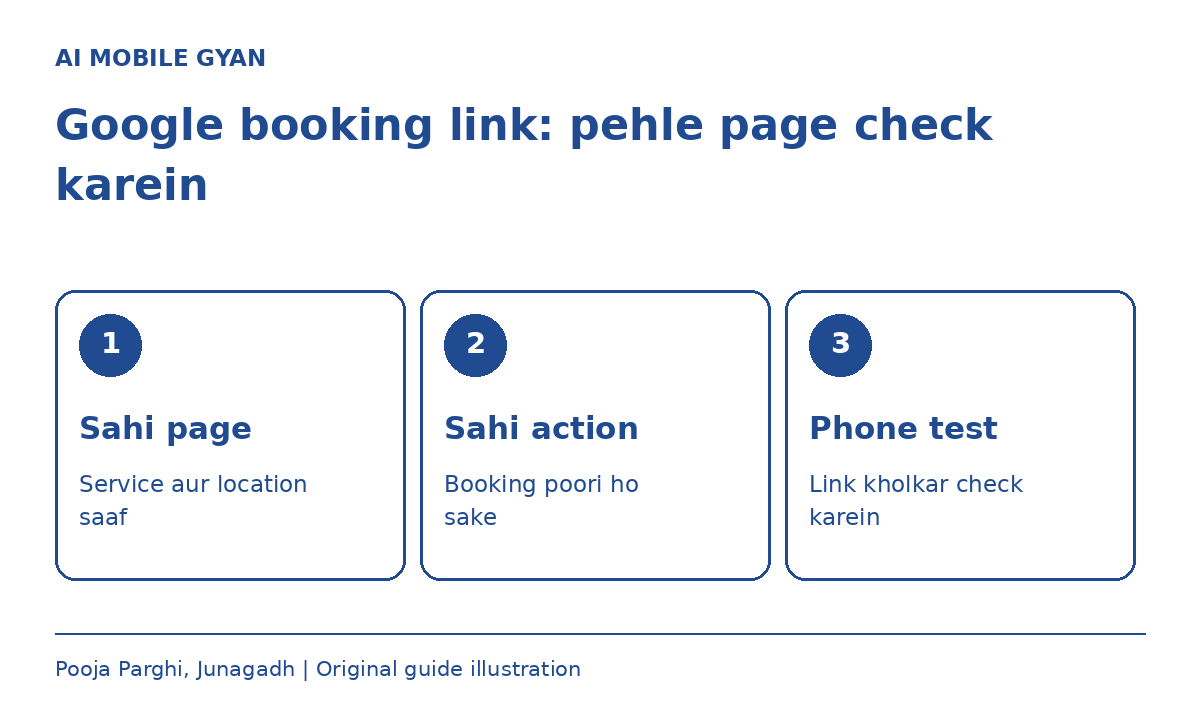
Customer Google par aapki dukaan dekhta hai. Booking button dabane ke baad use phir se branch dhoondhni pade, to link ka kaam adhura hai. Sahi link usi service aur usi location ke page par le jaata hai jahan customer agla kadam samajh sake.
Seedha jawab
Sirf homepage ka URL kaafi nahi. Dedicated booking page chune, visitor ki tarah test kare, phir apni Business Profile mein available booking field se jode.
Shuru karne se pehle
- Verified Business Profile ka access.
- Sahi branch ka working booking page.
- Customer ko kya response milega, uski saaf jaankari.
Booking ka kaam pehle saaf kare
Appointment ki request bhejna aur confirmed time book karna ek baat nahi. Page par wahi shabd rakhe jo aapki actual process batate hain. Agar staff baad mein phone karke time confirm karta hai, to request ko turant confirmed appointment na kahe.
Page, service aur branch milaye
Google dedicated business landing page maangta hai. Do branches hain to link sahi location par jaana chahiye. Page normal visitor ki tarah kholo: dukaan ka naam, branch aur book karne wali service saaf hai? Agla kadam aasani se milta hai?
Action links mein social-media, messaging, app-store aur shortener links Google ki policy ke mutabik allowed nahi hain. WhatsApp URL ko booking page ka substitute na samjhe.
Profile mein available field chune
Apni Business Profile kholo. Search mein Booking jaise relevant transaction type dekhe. Maps mein Edit profile aur relevant transaction type se route mil sakta hai. Add link ya Add another link dikhe to tested URL daal kar Save kare.
Har business aur region mein har action available nahi hota. Field na mile to sirf button laane ke liye galat category na chune. Apni actual service aur Google ke current help page se milaye. Interface ke labels badal sakte hain.
Save ke baad customer ki tarah test kare
Public profile mein button kholo. Dekhe ki sahi branch khulti hai, service sahi hai aur form ke baad ka message samajh aata hai. Link live hai, iska matlab sirf page khulna nahi; customer ka intended kaam bhi saaf hona chahiye.
Test ke liye bina zaroorat paid booking na kare. Login ya bot wall se landing page accessible nahi hai to link ki eligibility par asar pad sakta hai. URL aur edit ki date ka chhota record rakhe.
Ek kalpanik salon par ise lagaye
Maan le ek salon ki do branches hain. Homepage dono ki services dikhata hai, par booking page seedha Junagadh branch aur available service chunta hai. Agar form sirf callback request leta hai, to “Request an appointment” jaise clear words hone chahiye. Ye sirf process ka example hai, kisi real client ke result ka daava nahi.
Link reject ho to ye checklist
□ Sahi branch ka page?
□ Same domain ka duplicate link?
□ Page visitor ke liye accessible?
□ Service aur next action saaf?
□ Public button ko dobara test kiya?
Ek hi URL baar-baar jodna solution nahi. Google help pages mein maximum link count ki wording alag mil sakti hai; universal number ke bajay apni profile ka current limit dekhe. Rejection ka record rakhe aur zaroorat par official support route use kare.
Aksar poochhe jaane wale sawaal
Nahi. Business aur region ke hisaab se available actions alag ho sakte hain. Actual service se match karta field hi use kare.
Is guide mein ranking ya sales ka promise nahi hai. Maqsad customer ko sahi action page tak pahunchana hai.
Agla kaam ka guide
English mein booking-link checklist. Website page banwane ka kaam dekhna ho to Pooja Digitech dekhe.


Comments
Post a Comment